How to Securely Erase Your Devices Before Selling Them: Why a Standard Factory Reset Isn’t Enough?

Introduction You have finally decided to upgrade your old laptop or smartphone. To prepare the old device for a buyer, you delete your personal folders, empty the recycling bin, and run the standard “Factory Reset” from the settings menu. The screen boots up to the original welcome screen, looking exactly as it did the day … Read more


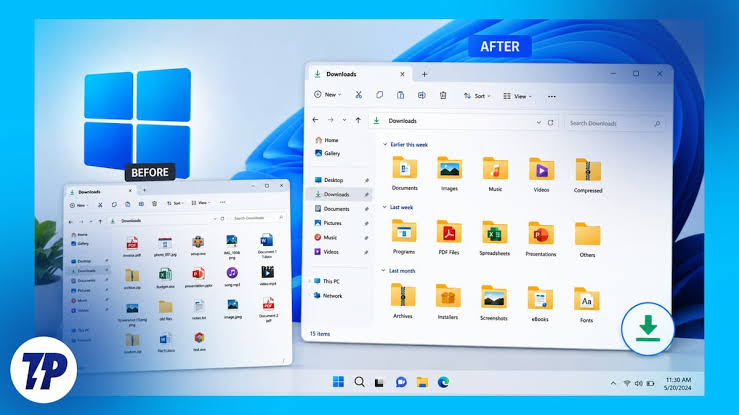
How to Free Up Cloud Storage Without Accidentally Deleting Files You Still Need?

Running out of cloud storage can be surprisingly stressful. A storage warning appears, uploads stop working, or your phone starts telling you that your account is nearly full. The obvious reaction is to start deleting large files. That is also where people can get into trouble. A file stored in Google Drive, OneDrive, iCloud, or … Read more

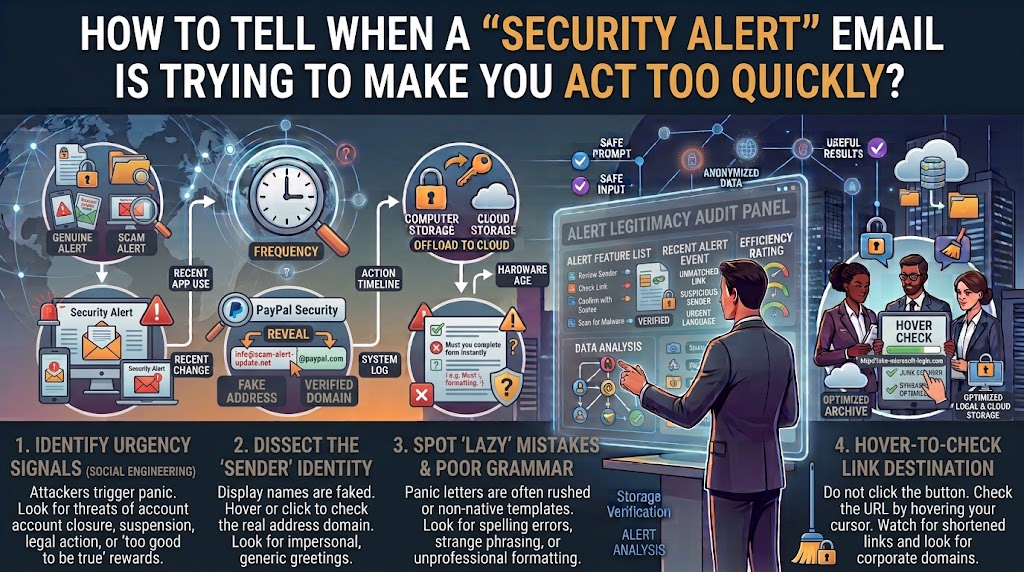
How to Tell When a “Security Alert” Email Is Trying to Make You Act Too Quickly?

A security alert email can create an uncomfortable feeling within seconds. “Someone tried to sign in.” “Your account will be locked.” “Unusual activity detected.” “Verify your identity immediately.” The natural reaction is to click the button and fix the problem before anything worse happens. That reaction is exactly what scammers try to create. Phishing emails … Read more

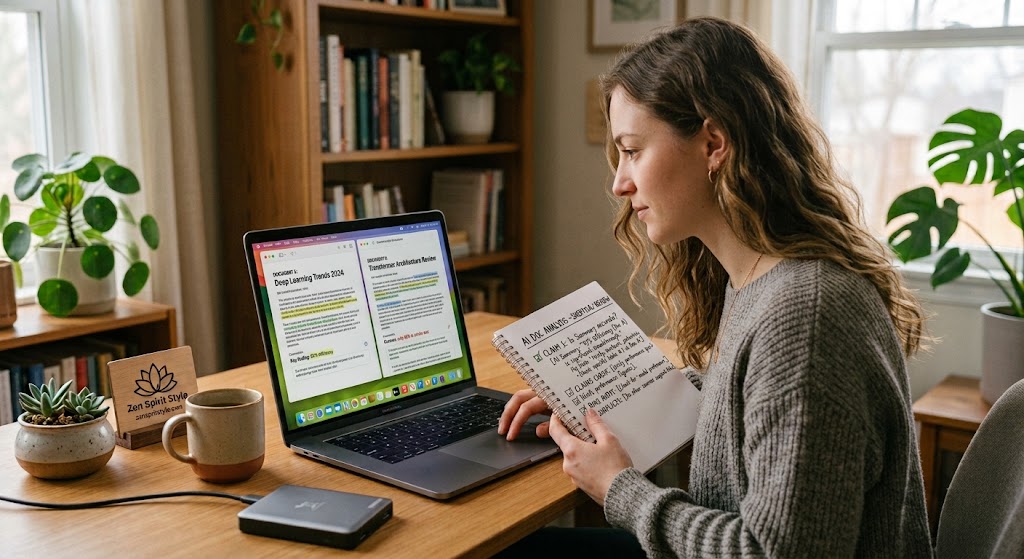
How to Compare Two Documents With AI Without Assuming Its Summary Is Completely Accurate?

Comparing two documents can be tedious, especially when the differences are scattered across dozens of pages. Maybe you have an old version of a policy and a revised version. Perhaps you received two drafts of a contract, two versions of a report, or two copies of a project document and need to know what changed. … Read more

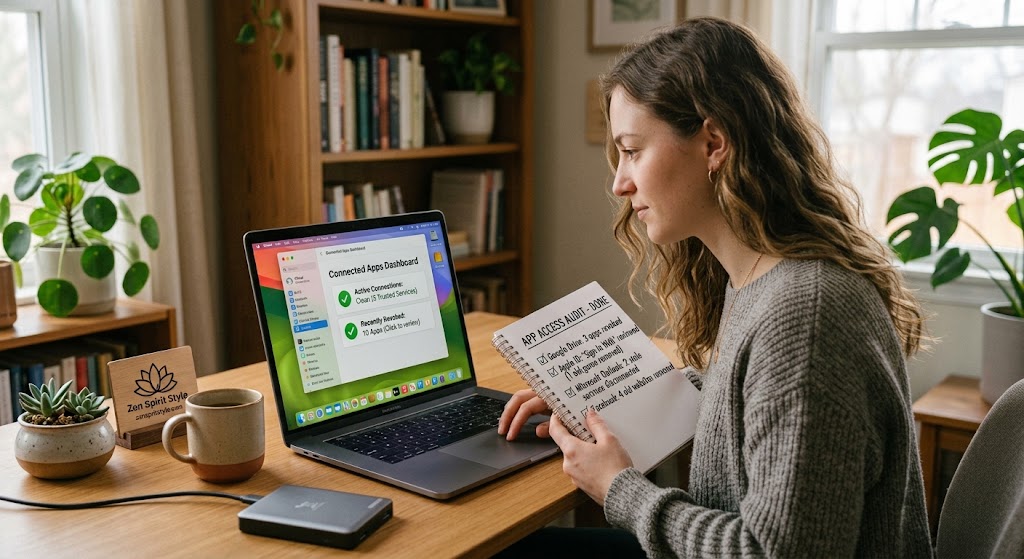
How to Review Which Apps and Websites Still Have Access to Your Accounts and Personal Information?

Over time, it is easy to give dozens of apps and websites access to your accounts without thinking much about it. You might use “Sign in with Google” to try a new service. A photo-editing app may ask for access to your photos. A productivity tool might request access to your calendar. A website may … Read more

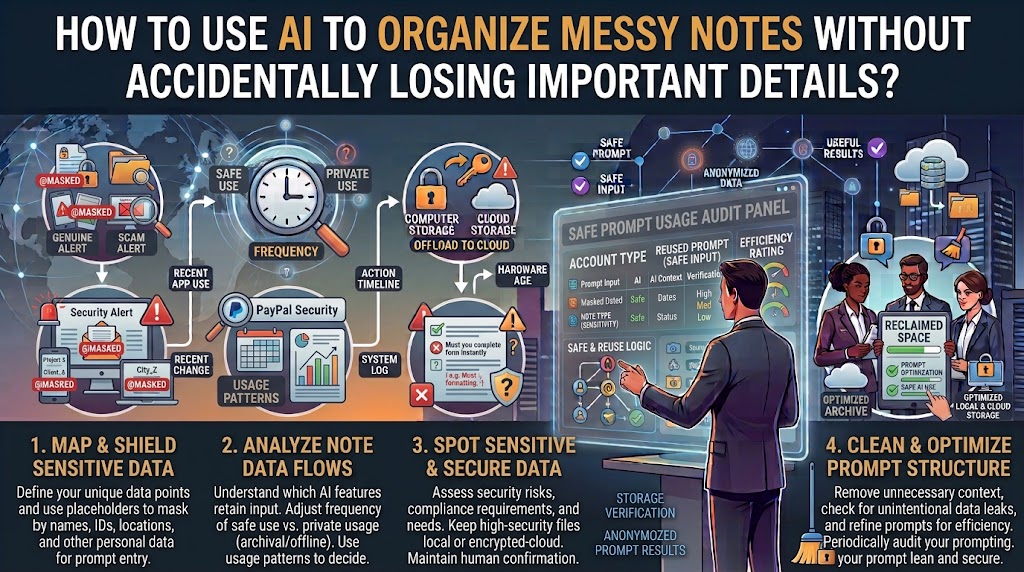
How to Use AI to Organize Messy Notes Without Accidentally Losing Important Details?

Messy notes are usually more useful than they look. A phone note might contain half-written sentences, meeting reminders, copied information, questions, phone numbers, ideas, and random thoughts written at different times. A notebook might be even less organized. One page has a shopping list. The next has work notes. A few lines later, there is … Read more

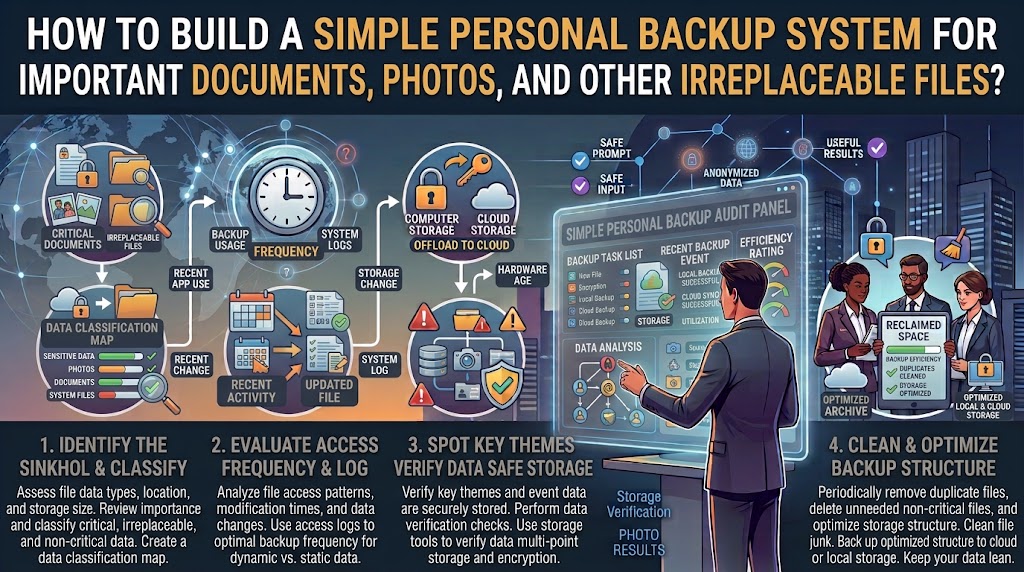
How to Build a Simple Personal Backup System for Important Documents, Photos, and Other Irreplaceable Files

Losing a phone is frustrating. Losing the photos, documents, and personal files that were stored on it can be much worse. A broken laptop, stolen phone, failed hard drive, accidental deletion, ransomware infection, damaged external drive, or locked online account can turn an ordinary technical problem into permanent data loss. The good news is that … Read more

How to Tell Whether a Slow Phone Problem Comes From an App, Storage, Settings, or Aging Hardware?

A slow phone does not always need a factory reset or a new battery. Sometimes one badly behaved app is responsible. Sometimes the phone is nearly out of storage. Sometimes a setting, software update, network condition, or power-saving feature makes the phone feel slower than usual. And sometimes the hardware really is reaching the point … Read more